Buying Guide for the Best Silent Gaming Keyboard
Choosing a silent gaming keyboard is all about finding the right balance between quiet operation, comfort, and gaming performance. Since gaming sessions can last for hours, it's important to pick a keyboard that feels good to use, doesn't disturb others, and still offers the responsiveness you need for fast-paced games. Understanding the key features will help you make a choice that matches your gaming style and environment.Switch TypeThe switch type refers to the mechanism under each key that registers your presses. For silent gaming keyboards, the most common options are membrane, scissor, and certain types of mechanical switches like 'silent' or 'linear' switches. Membrane and scissor switches are generally quieter but may feel less responsive, while silent mechanical switches are designed to reduce noise while still offering a satisfying feel. If you want the quietest experience, membrane or scissor switches are best, but if you want a balance of quietness and gaming performance, look for mechanical keyboards with silent or dampened switches. Your choice should depend on how much you value quietness versus tactile feedback and speed.
Key Rollover and Anti-GhostingKey rollover is the number of keys you can press at once without missing any inputs, and anti-ghosting ensures that extra, unintended keypresses aren't registered. For gaming, especially in fast-paced or competitive games, higher key rollover (like 'n-key rollover') and anti-ghosting are important to ensure every move is detected. If you play games that require pressing multiple keys at once, look for keyboards that advertise high key rollover and anti-ghosting. If you mostly play casual games or use your keyboard for typing, this may be less critical.
Build Quality and MaterialsBuild quality refers to how sturdy and durable the keyboard feels, and the materials used can affect both noise and comfort. Keyboards with plastic cases are lighter and often quieter, while metal frames add durability but can sometimes amplify sound. Keycap material also matters; softer plastics or rubberized coatings can help dampen noise. If you plan to move your keyboard often or want something that feels solid, consider the build quality, but if your main concern is noise, look for softer materials and dampening features.
Keycap Profile and ShapeKeycap profile and shape affect how the keys feel under your fingers and can influence typing noise. Low-profile or flat keycaps tend to be quieter, while taller, sculpted keycaps may produce more sound. If you want the quietest experience, look for low-profile keycaps, but if comfort and typing accuracy are more important, you might prefer a more traditional shape.
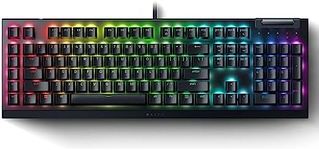
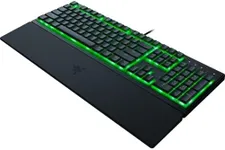
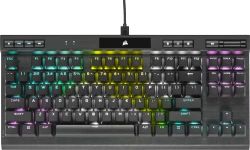
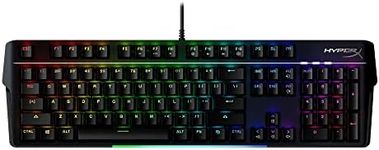
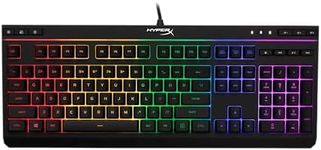
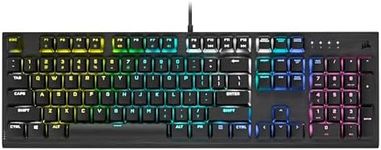
Backlighting and CustomizationBacklighting is the illumination under the keys, which can be useful for gaming in low-light environments. Some keyboards offer customizable lighting, which can add to the gaming atmosphere but doesn't affect noise. If you often play in the dark or want to personalize your setup, consider a keyboard with adjustable backlighting. If you don't need this feature, you can focus on other aspects.
Size and LayoutKeyboards come in different sizes, such as full-size (with number pad), tenkeyless (without number pad), and compact layouts. Smaller keyboards are easier to fit on a desk and can be quieter due to fewer moving parts. If you need a number pad for work or prefer more keys, go for a full-size keyboard. If you want a more compact, portable, and potentially quieter option, consider a tenkeyless or compact layout.
Noise Dampening FeaturesSome keyboards include extra features to reduce noise, such as rubber O-rings, dampening pads, or special switch designs. These features can make a noticeable difference in how quiet the keyboard is. If silence is your top priority, look for keyboards that specifically mention noise dampening or silent operation in their features.