Buying Guide for the Best Apple Homekit Devices
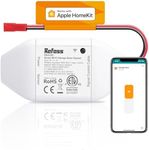
Choosing the right Apple HomeKit device can make your smart home experience smoother and more enjoyable. HomeKit is Apple’s platform for smart home products, allowing you to control compatible devices using your iPhone, iPad, or voice commands with Siri. When shopping for HomeKit devices, it’s important to consider how you want to use them—whether it’s for lighting, security, climate control, or automation. Think about the rooms or areas you want to automate, the types of devices you need, and how they will fit into your daily routine. Compatibility, ease of use, and future expandability are key factors to keep in mind.HomeKit CompatibilityHomeKit compatibility means that a device can be controlled and automated through Apple’s Home app and Siri. This is crucial because only HomeKit-certified devices will work seamlessly with your Apple ecosystem. When shopping, look for the 'Works with Apple HomeKit' label. Some devices may work with other smart home platforms but not with HomeKit, so always double-check. If you’re fully invested in Apple products, prioritize devices that are officially HomeKit-certified to ensure smooth integration and security.
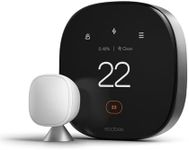
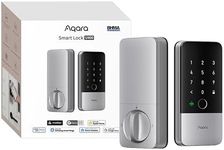
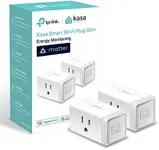
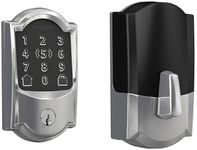
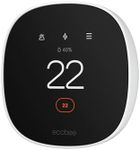
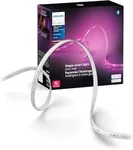
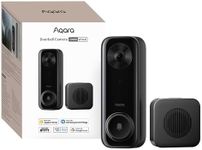
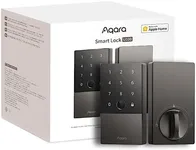
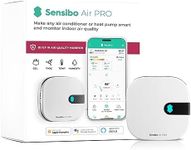
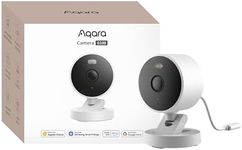
Device Type and FunctionHomeKit supports a wide range of device types, such as smart bulbs, plugs, thermostats, cameras, locks, and sensors. The type of device you choose should match your needs. For example, if you want to automate lighting, look for smart bulbs or switches; for security, consider cameras or smart locks. Each device type offers different features, so think about what you want to control or automate in your home and select accordingly.
Connectivity (Wi-Fi, Bluetooth, Thread, or Hub Required)HomeKit devices connect to your home network using Wi-Fi, Bluetooth, or newer protocols like Thread. Some devices may require a separate hub or bridge to function. Wi-Fi devices usually offer the best range and speed, but may add to network congestion if you have many devices. Bluetooth devices are easy to set up but have limited range and may need a HomePod, Apple TV, or iPad as a home hub for remote access. Thread is a newer, more reliable protocol for smart home devices, but not all devices support it yet. Consider your home’s layout and existing Apple devices when choosing the right connectivity option.
Automation and Scene SupportAutomation and scene support allow you to set up routines or group actions, like turning off all lights at bedtime or adjusting the thermostat when you leave home. Some HomeKit devices offer more advanced automation options than others. If you want to create complex routines, make sure the device supports the types of automations you need. Think about your daily habits and how automation could make your life easier, then choose devices that can support those scenarios.
Security and PrivacyApple places a strong emphasis on privacy, but it’s still important to check the security features of each HomeKit device. Look for devices that support HomeKit Secure Video for cameras, end-to-end encryption, and regular firmware updates. If you’re concerned about privacy, especially with cameras or microphones, prioritize devices with strong privacy controls and transparent data policies.
Ease of Installation and UseSome HomeKit devices are plug-and-play, while others may require more complex installation, such as wiring or mounting. Consider your comfort level with DIY projects and whether you’ll need professional help. Devices that are easy to set up and use will save you time and frustration. If you’re new to smart home tech, start with simpler devices like smart plugs or bulbs before moving on to more complex installations.
Expandability and Ecosystem IntegrationAs your smart home grows, you may want to add more devices or integrate with other Apple services. Choose HomeKit devices that can easily be expanded or work well with other HomeKit products. Think about your long-term plans—if you want to automate your whole home, pick brands and devices known for good HomeKit support and regular updates.